Explore data extraction, authenticated sessions, webpage actions, and result verification. Pick a task, review its inputs and outputs, complete any required setup, then run it with your agent.
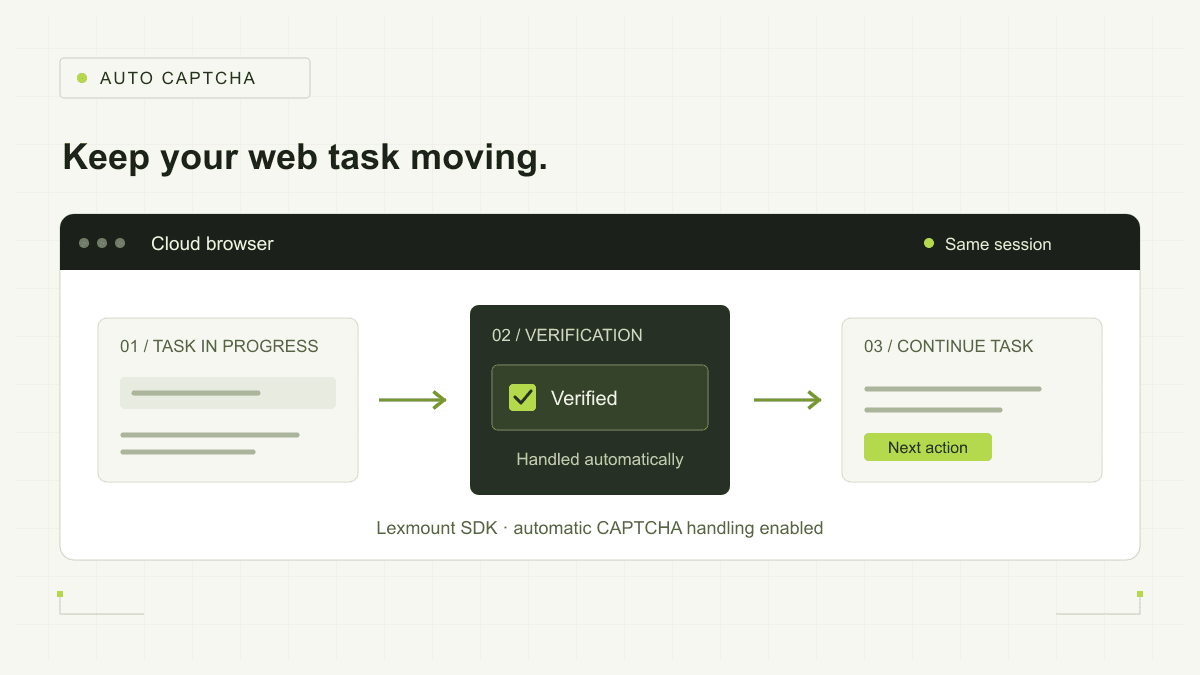
Enable automatic CAPTCHA handling through the Lexmount SDK to keep web tasks moving when verification appears. Lexmount Cloud Browser completes verification and continues subsequent operations in the same session, without human takeover or restarting the task.
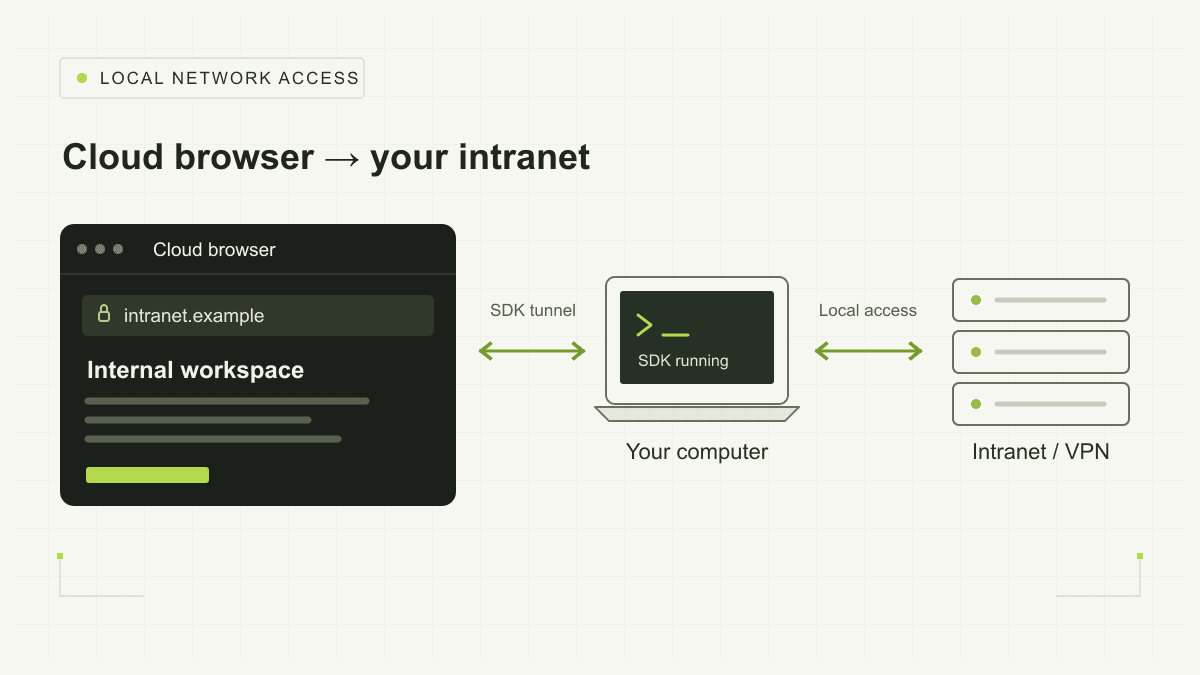
Open your company intranet and VPN sites in a cloud browser. No public IP, port forwarding, or publishing internal services to the internet.

Create a hosted Moli Session in the Lexmount console and open a public webpage in the live browser view.

Check the official OpenAI, GitHub, npm, and Cloudflare status pages and produce an evidence-backed release health brief.

Measure UI reveal latency on Selenium’s official dynamic test page and compare the live implementation with its public source.

Use Web Fetch to extract content from a public webpage as structured JSON without creating a Browser Session.

Submit a query on a search page and save the result titles, links, and snippets as JSON.

Reuse login state across Sessions with a persistent Context.

Pause automation for sign-in confirmations, approvals, or QR codes, then resume after a person completes the step.

Visit multiple URLs concurrently in isolated Sessions and summarize page status, duration, and failures.

Trigger downloads in a cloud browser and retrieve the files and download manifest to the task's runtime environment.

Execute webpage actions and assertions from a checklist, output a report, and retain replayable evidence.

Open a specified URL and save a full-page screenshot for page validation and troubleshooting.

